Shrink pictures, tighten sheets.
Two small tools for the same annoyance: images that are bigger than they need to be, one at a time or by the folder. Compress a batch losslessly, or pack loose frames into one spritesheet with the metadata written for you. Nothing uploads anywhere, it all runs on your machine.
Smaller files, same pixels.
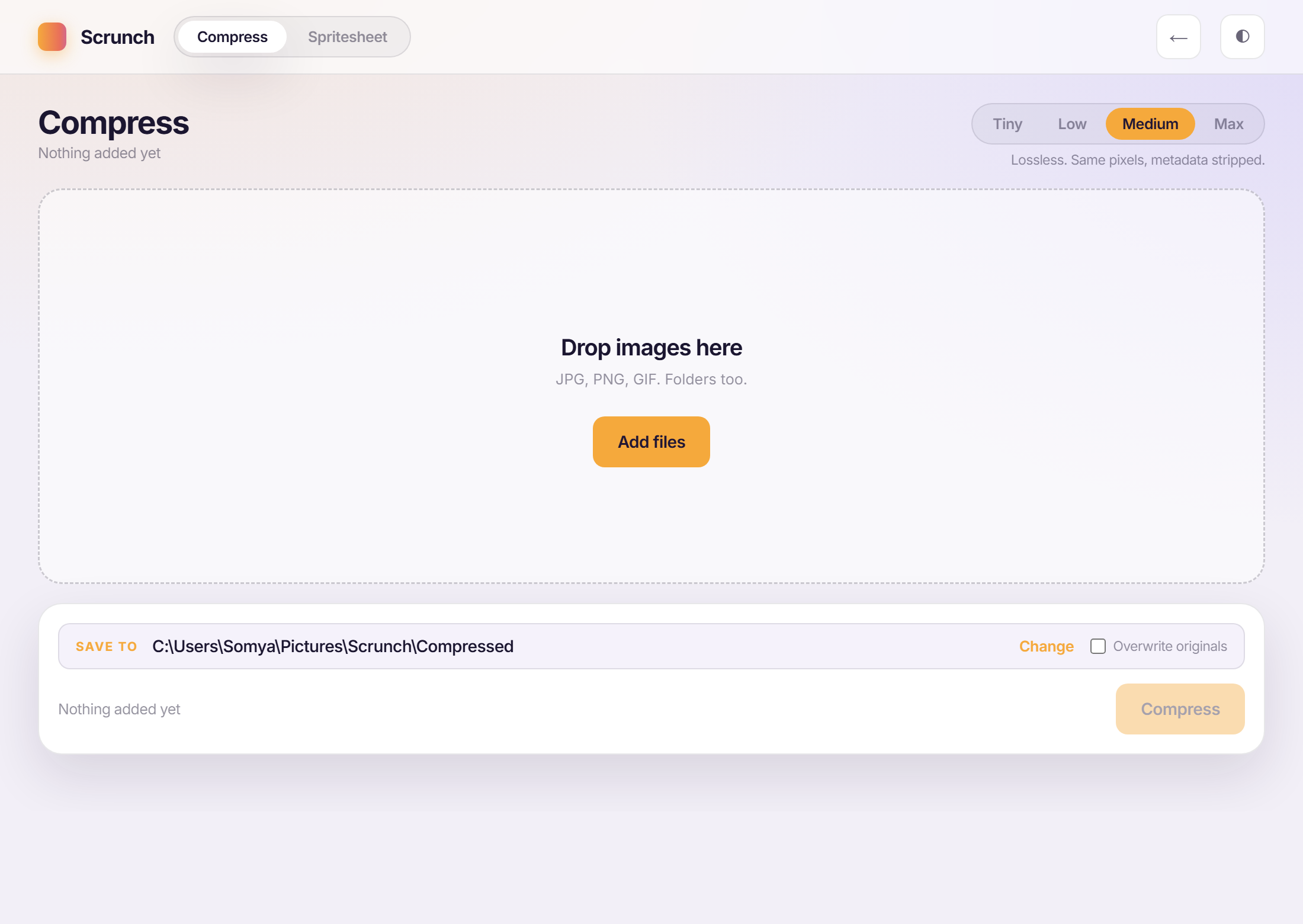
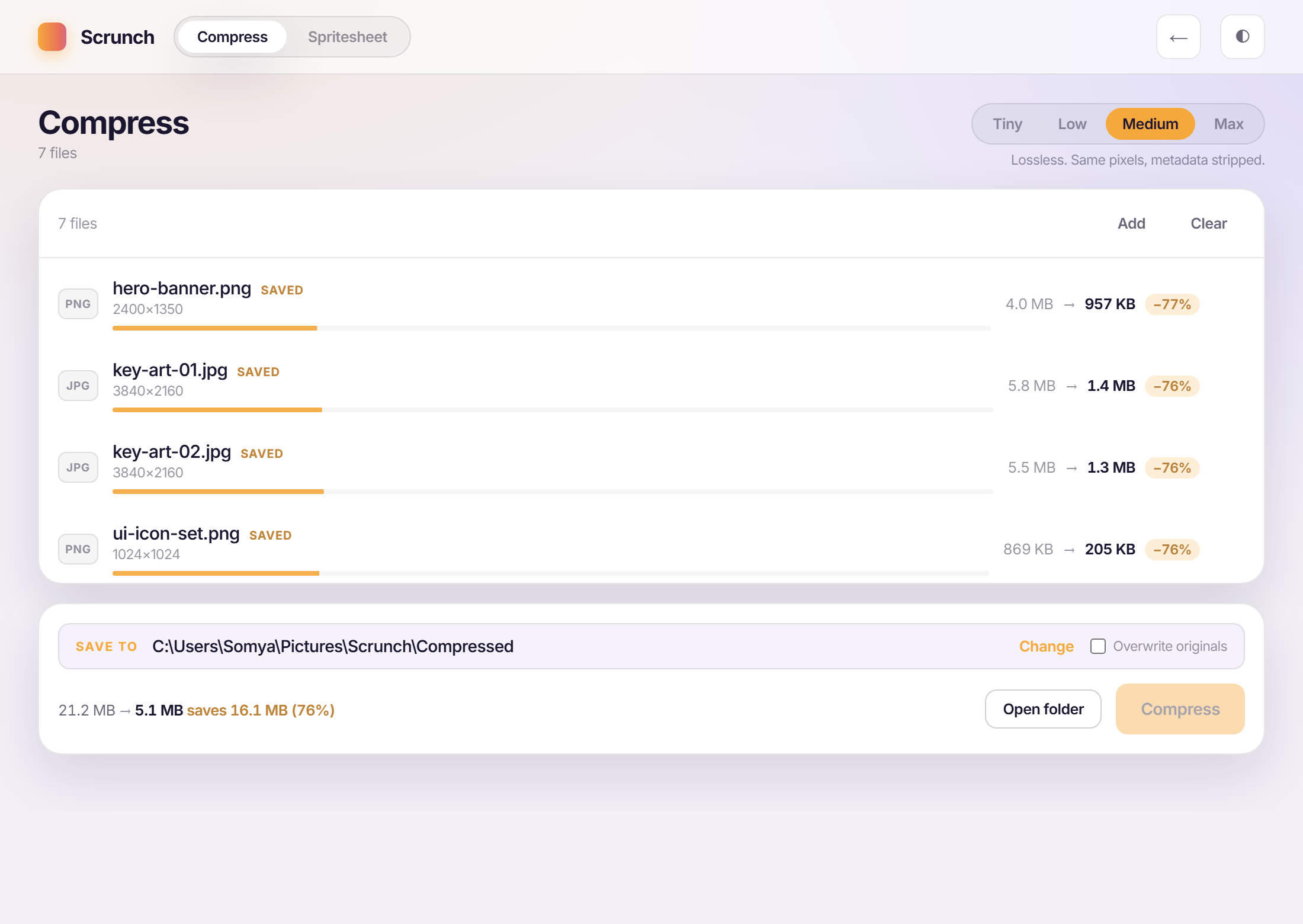
Drop in a folder of JPGs, PNGs and GIFs and pick a level. Medium and Max keep the exact pixels and only strip metadata, Tiny and Low get lossy where the eye genuinely won’t catch it. One batch, one pass, real savings shown per file before you commit.
A one-at-a-time web compressor means upload, wait, download, repeat, for every single image. It adds up fast on a folder of production art.
Rough math, not a measurement: seven images through a one-at-a-time web tool runs 30 to 45 seconds each once you count the upload and the wait, three or four minutes of watching progress bars. Scrunch compresses the same seven in one pass, locally, with nothing ever leaving the machine.
Every frame, packed and named.
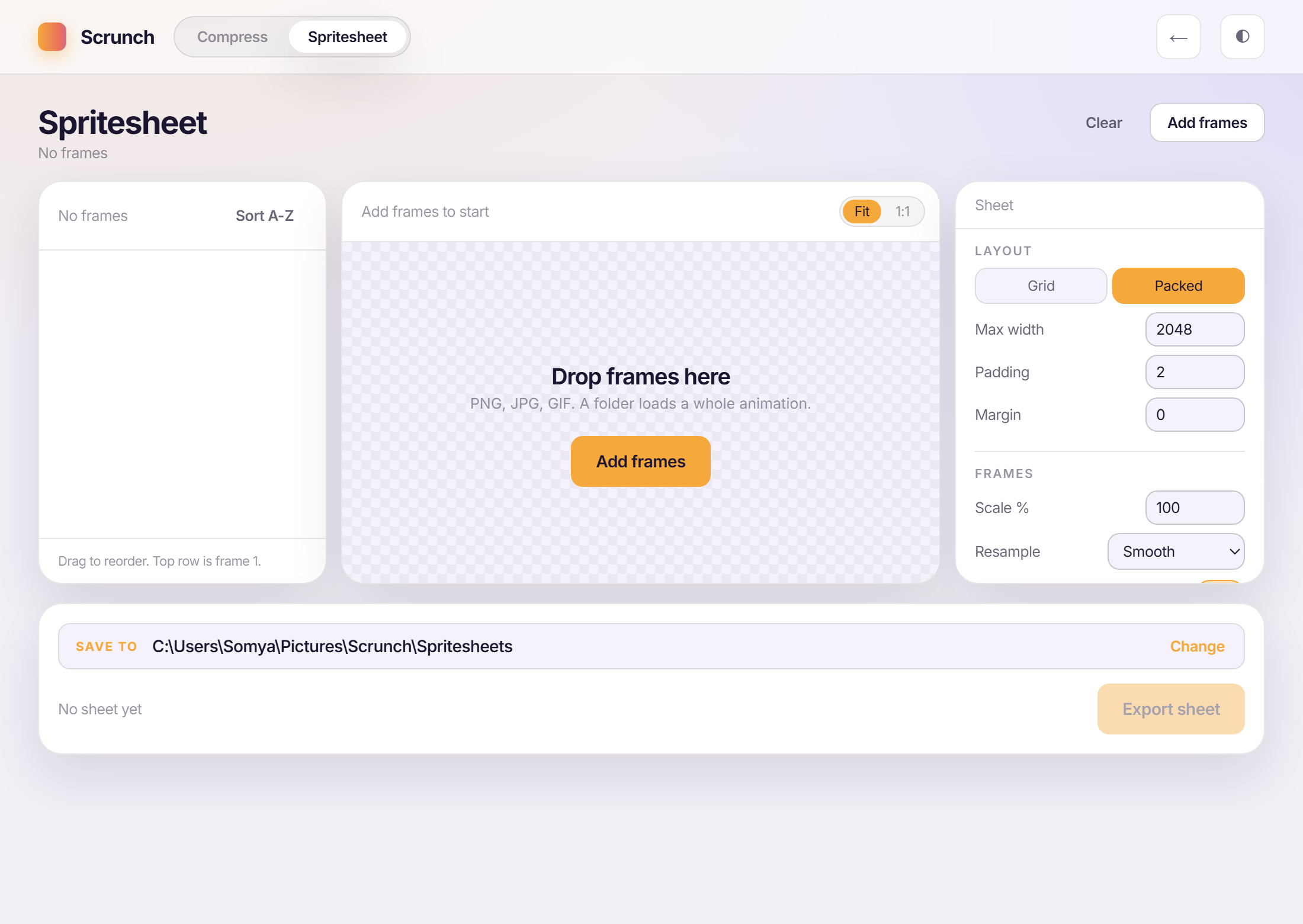
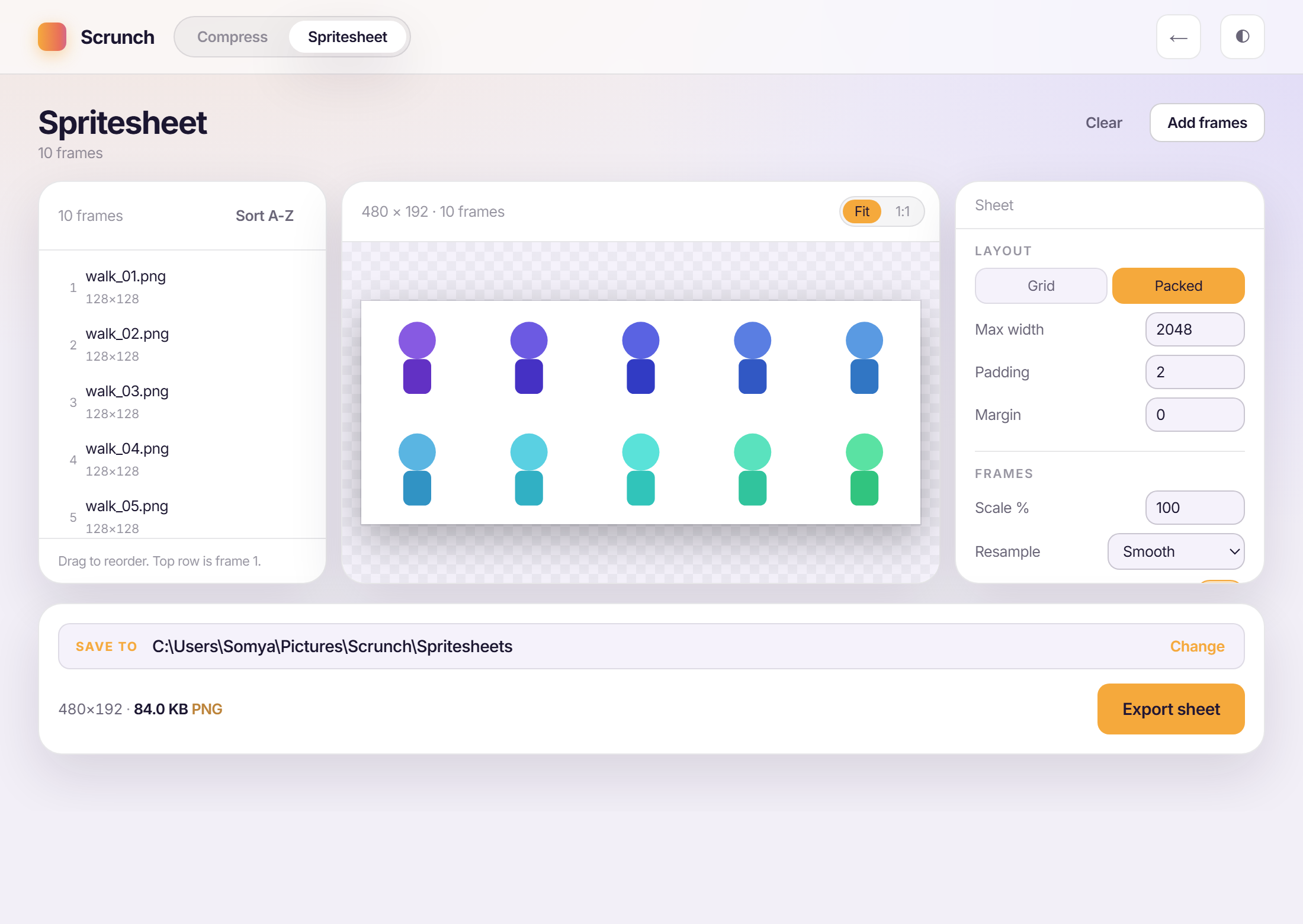
Drop in a folder of frames, drag them into order, and Scrunch packs a tight atlas with a live 1:1 preview: grid or packed layout, trimmed edges, power-of-two sizing, and the JSON or CSS metadata written to match, every time.
Packing frames by hand means placing each one, writing down its coordinates, and keeping that file in sync every single time a frame changes.
Rough math, not a measurement: placing ten frames by hand and writing an atlas JSON to match is a slow, error-prone job. A stray typo in one coordinate and the animation tears. Scrunch packs the sheet and writes the metadata in the same pass, so the two can never drift apart.